
English

Follow these simple steps to download and install the app from Google Play Store.
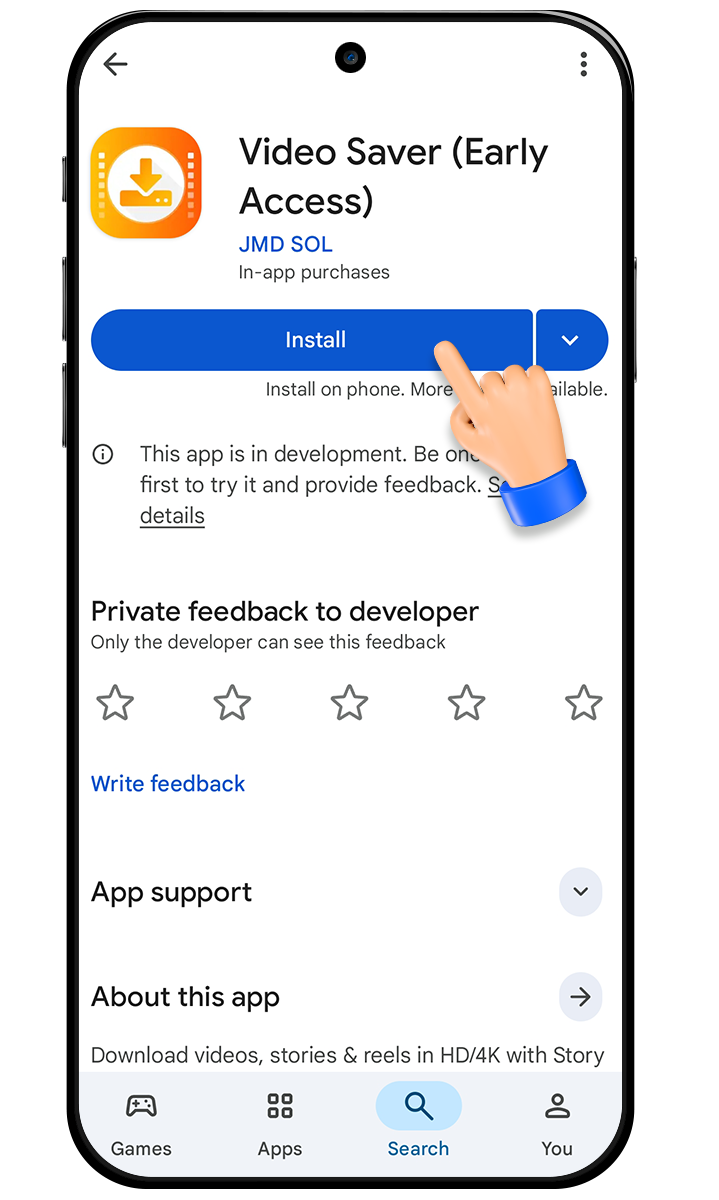
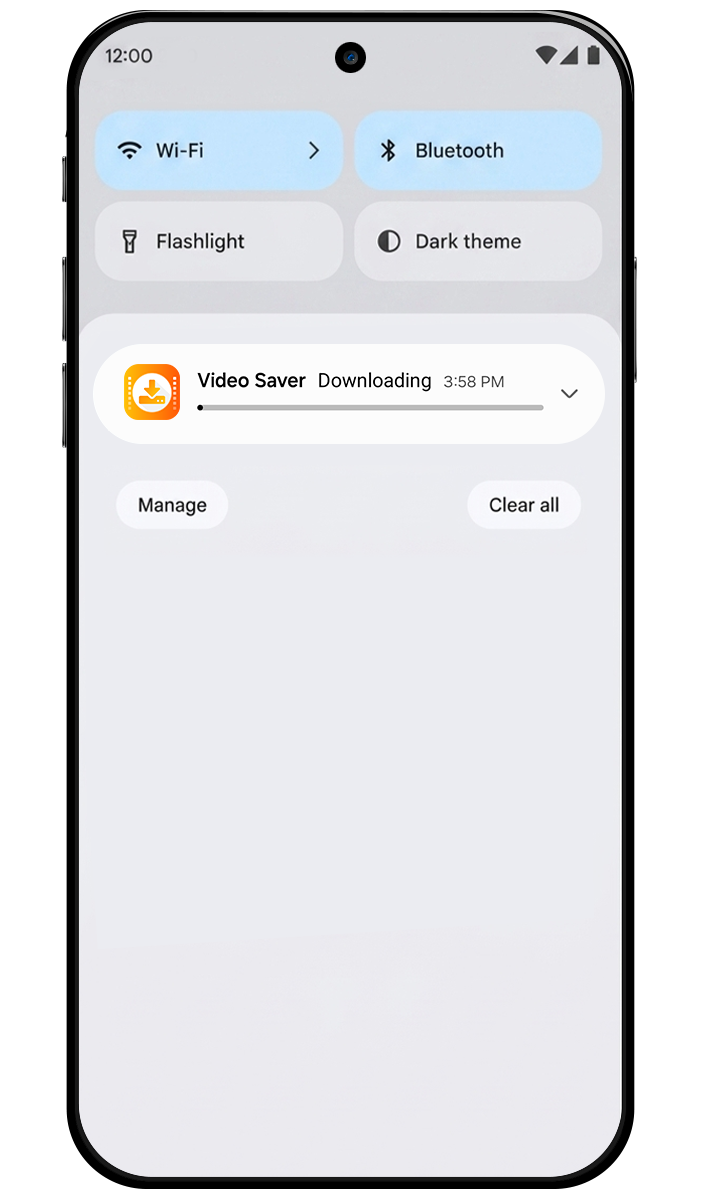
Download Video SaverWhen you find Video Saver on the Play Store, tap the “Install” button. The app will start downloading and installing automatically on your device.
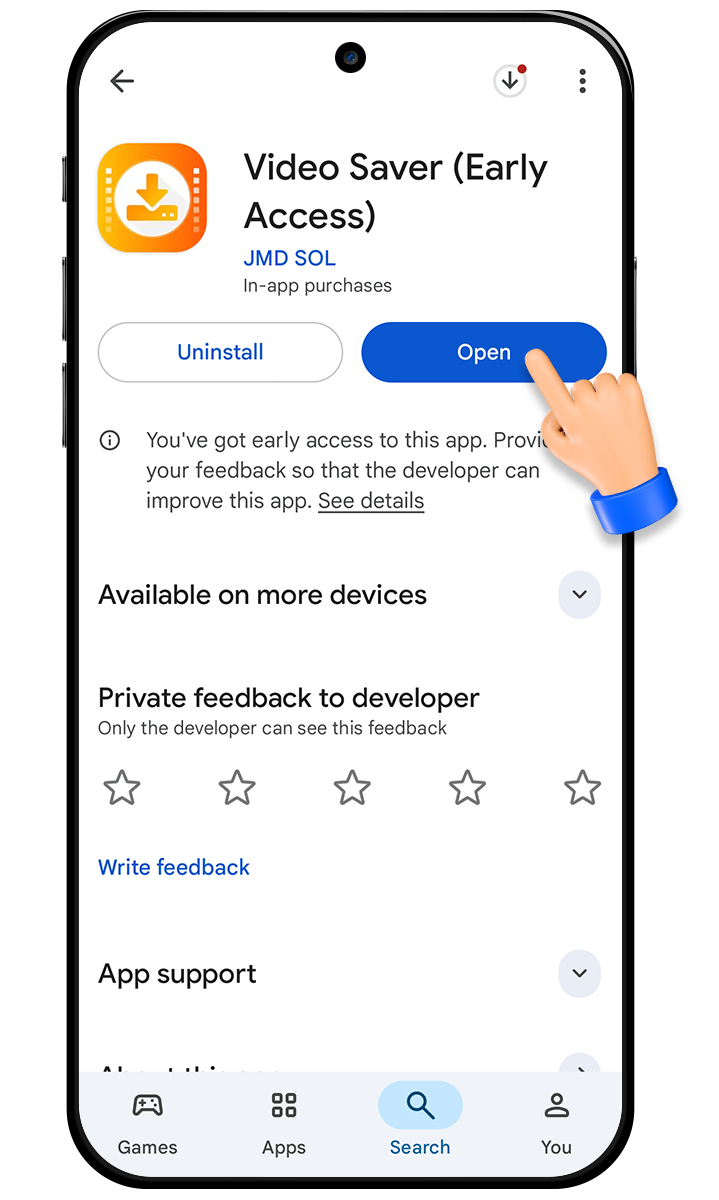
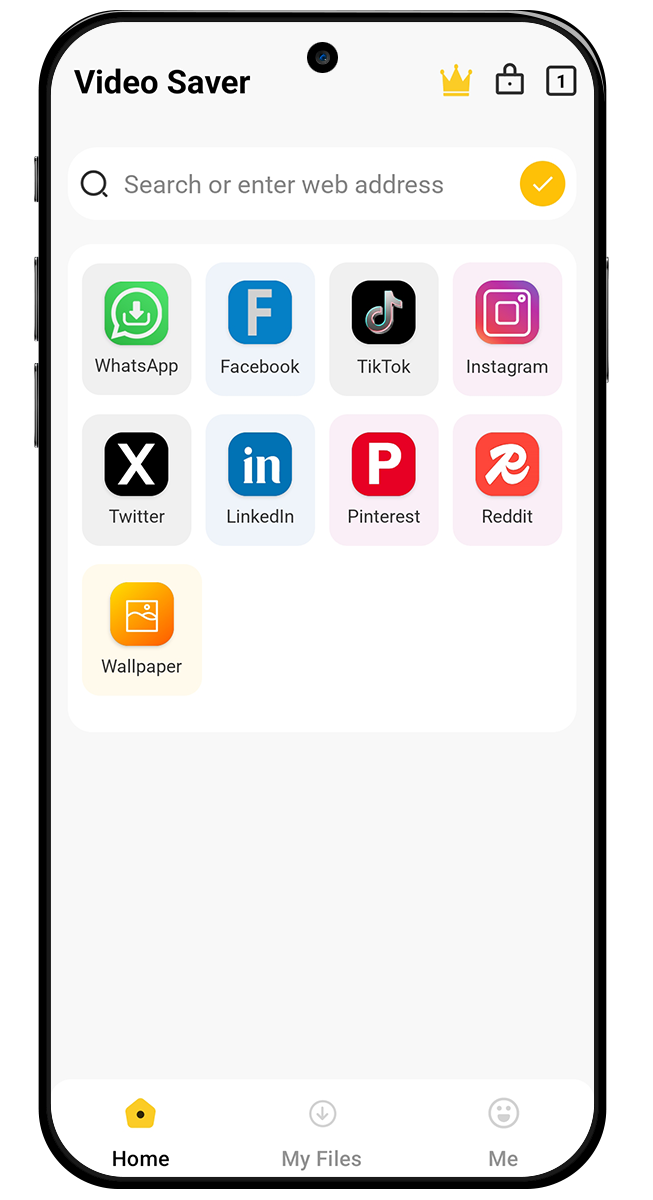
Once installation is complete, tap “Open” to launch the app. You’ll land on the home screen, where you can start saving videos and exploring features right away.
Join millions of users who rely on HD Video Saver for fast, easy, and reliable downloads